

Unit Operation
A Unit Operation is a machine that transforms material as it moves between tanks. It is the one element behind a separator, a clarifier, a cheesemaking step or a blender.
Inputs, outputs and percentages
Section titled “Inputs, outputs and percentages”A Unit Operation takes an input vessel and writes to one or more output vessels, each with a percentage. A separator sending 10 percent to curd and 90 percent to whey is the whole of it: a fixed ratio you supply, with the mass accounted for exactly.
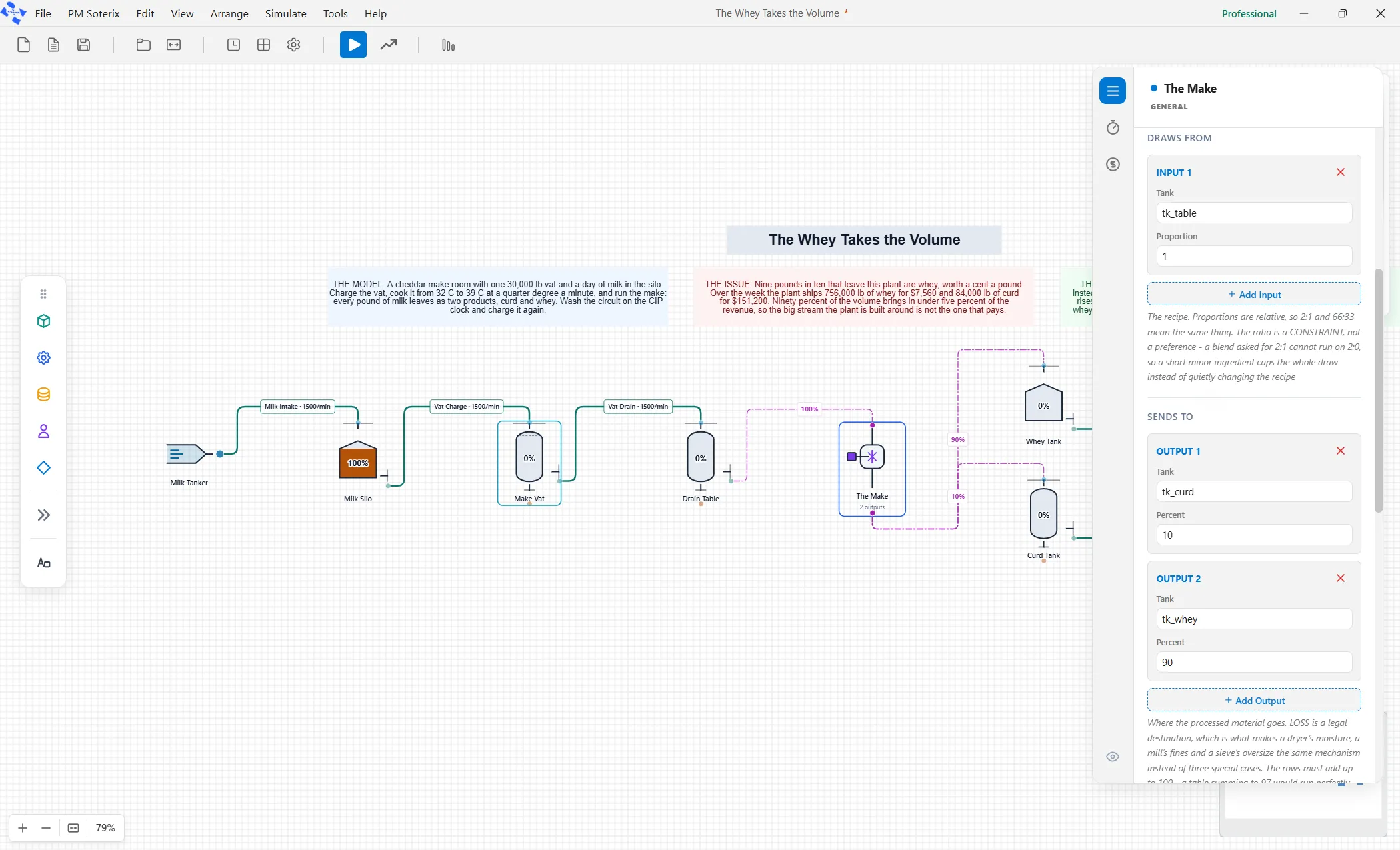
The output percentages must account for everything, so no mass appears or vanishes. The operation runs continuous or batch, and its rate takes a literal number, like any pipe.
Materials can change identity
Section titled “Materials can change identity”Identity comes from the tanks, not the machine. Milk goes into a Unit Operation and Curd and Whey come out, because the output tanks hold Curd and Whey. The machine only moves and splits the mass. An operation that mixes incompatible units is refused rather than guessed.
The Machines section
Section titled “The Machines section”Below the ten tiles the palette carries a Machines section: a separator, a pasteurizer, a homogenizer, a holding tube, a cooler, an in-line blender, an evaporator, a filter and more.
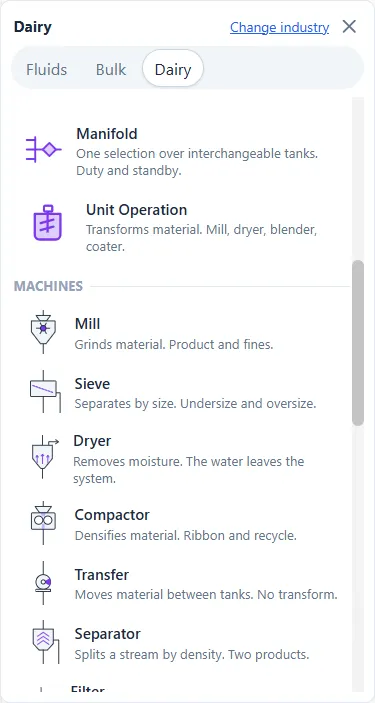
Every one of these drops the same Unit Operation, wearing different defaults for the job. They are a starting point, not separate elements: change any setting and it is yours.