

News and updates
Worked examples and the latest from the team, from reducing waiting time to finding the bottleneck on a busy line.
 News and updates
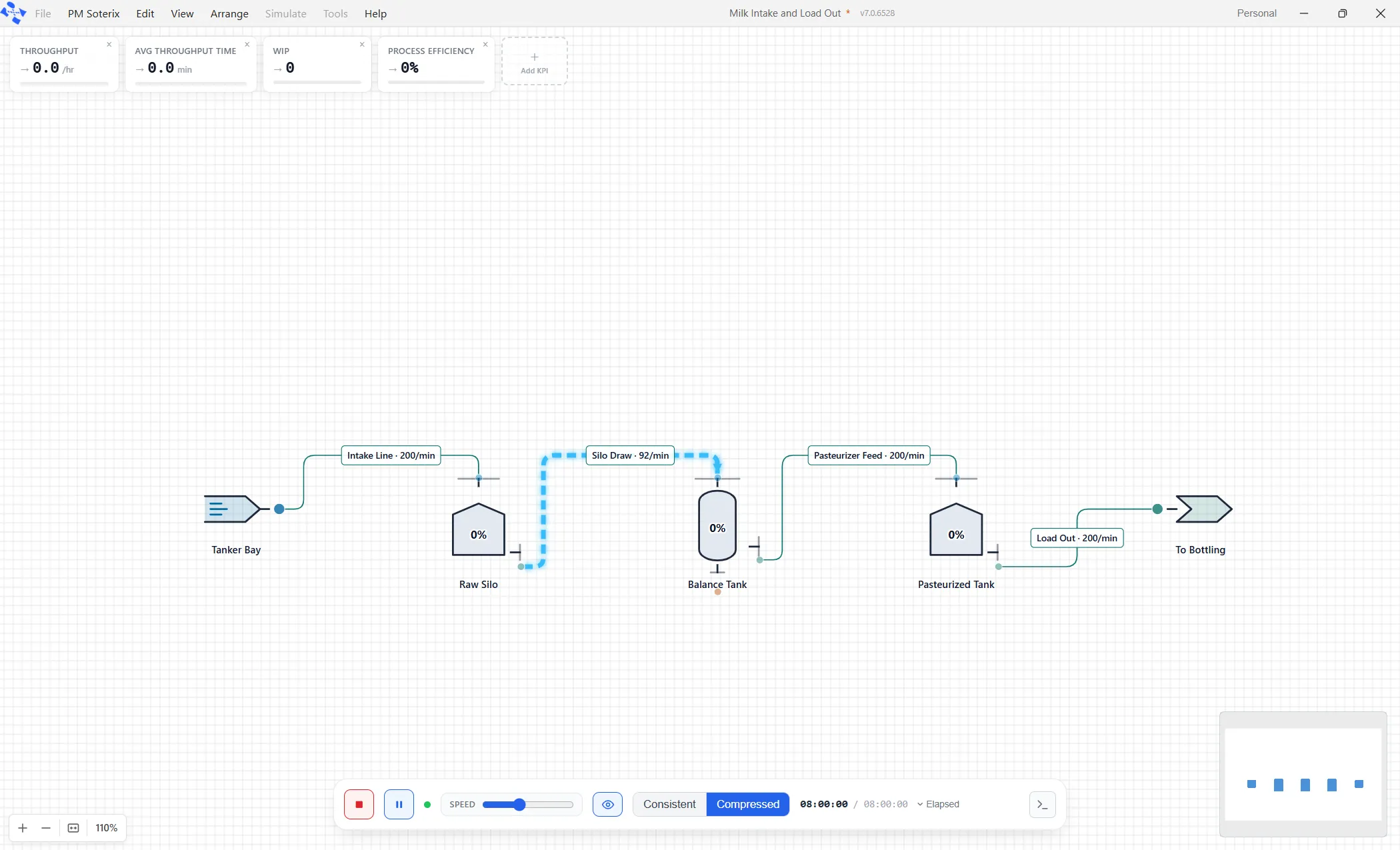
Fluid and bulk modeling comes to ProcessModel
Some plants do not count what they make, they measure it. ProcessModel now models the half of industry that runs on levels and flow rates: tanks, pipes, fillers and a mass balance that adds up.
Read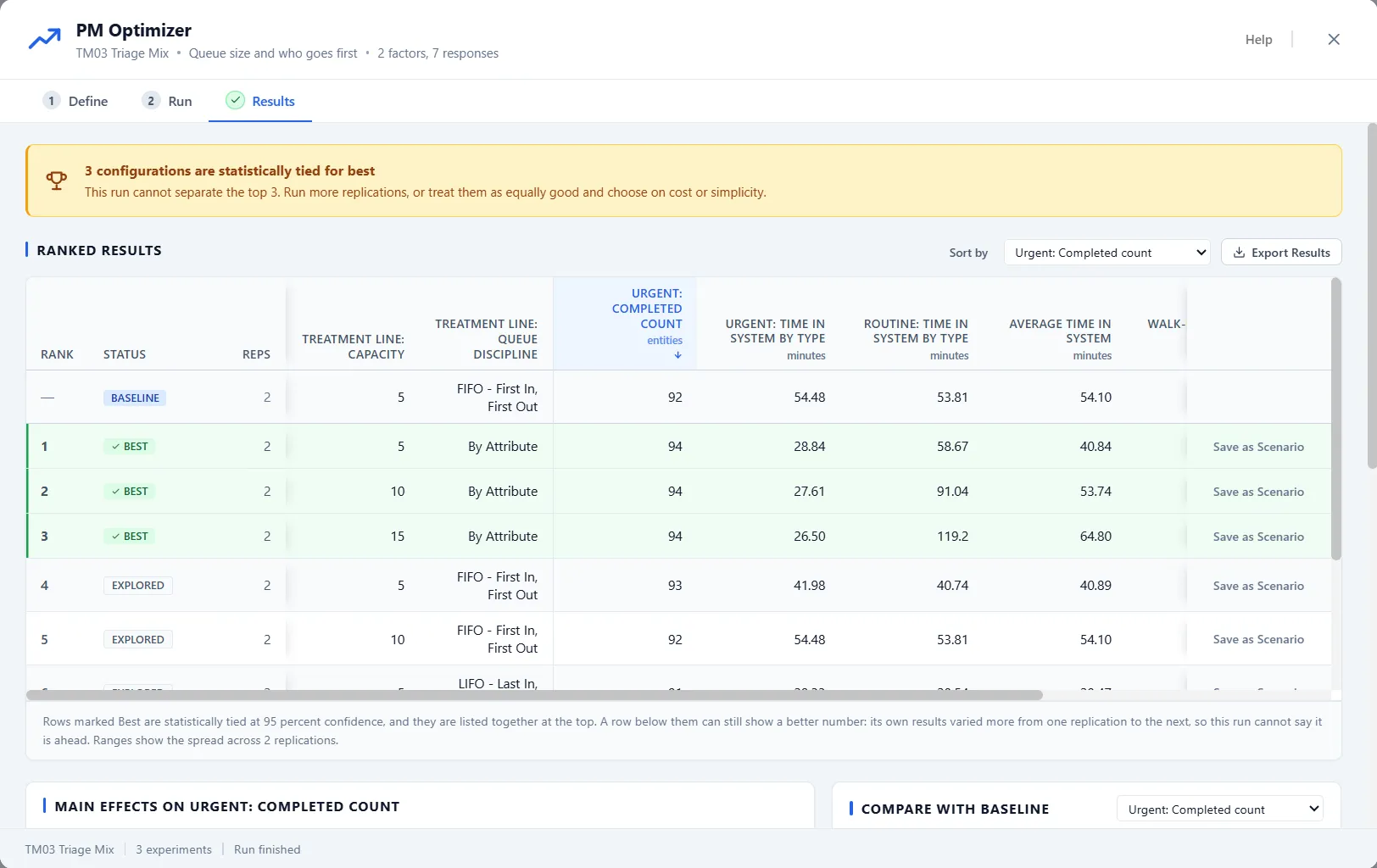 News and updates
From guessing to a guided search with PM Optimizer
A scenario answers one what-if. PM Optimizer answers the bigger question: out of everything you could change, what is the best you can do? It defines the experiment, searches for the winner, and ranks what it found with the confidence to back it.
Read News and updates
How to select a simulation consultant
Tight budgets push many companies to hire a simulation consultant for critical projects instead of building expertise in-house. Here are practical guidelines for picking the right one.
Read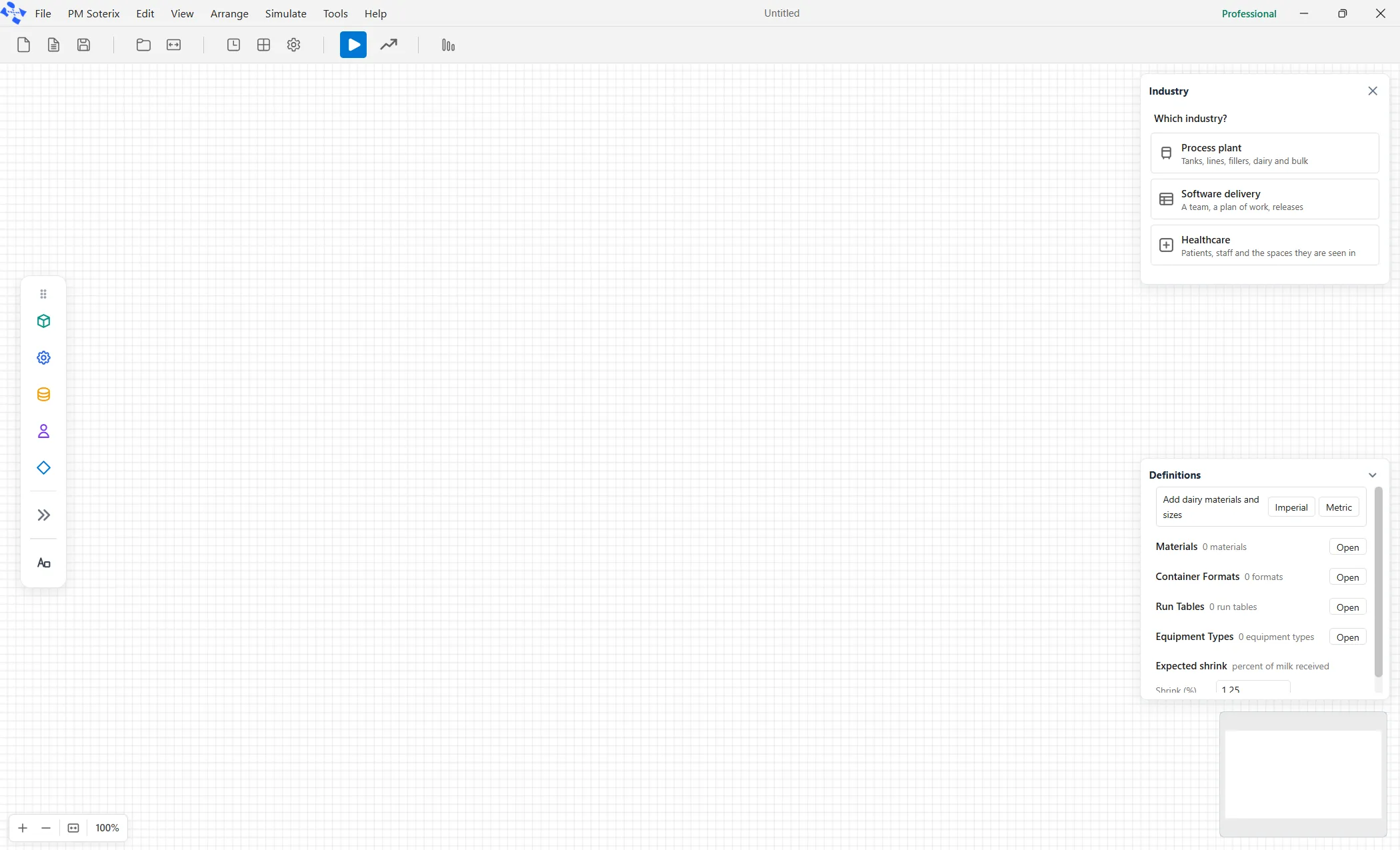 News and updates
One app, built for your industry
Turn on an industry palette and ProcessModel puts your industry's elements in front of you, already sized and named for the job. Turn on the Software lens and the whole model starts speaking a delivery team's language, without changing a single calculation.
Read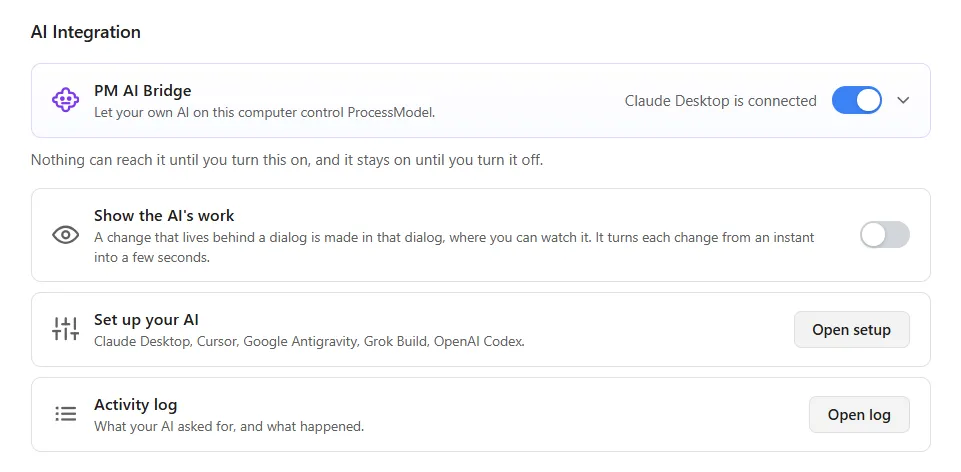 News and updates
Your own AI app, working in your model
PM AI Bridge lets the AI app already on your computer read, change and run your models, while you keep the controls: Take control, a read only canvas, one Undo and an activity log.
Read News and updates
ProcessModel release history
The running history of ProcessModel releases, newest first. Each entry lists what that version added, from reporting and analysis to everyday modeling tools.
Read News and updates
Reduce modeling time by 80%
A United States window manufacturer built a mixed-model manufacturing simulation in under four hours by letting real production data drive the model. Here is the technique that cut their modeling time by 80%.
Read News and updates
Simulation in process improvement projects
Consultants use many tools for process improvement, but few know exactly when simulation earns its keep. After forty years of projects, here is the litmus test for choosing the right tool.
Read News and updates
Software testing optimization
Balancing the resources on a software testing line is a multi-dimensional problem you can only guess at without simulation. This worked example shows how to model it and optimize it for cost and time.
Read News and updates
UCLA chooses ProcessModel process simulation software for MBA program
The UCLA Anderson MBA program has adopted ProcessModel as a core part of its curriculum, citing the software's powerful process analysis and its exceptionally short learning curve.
Read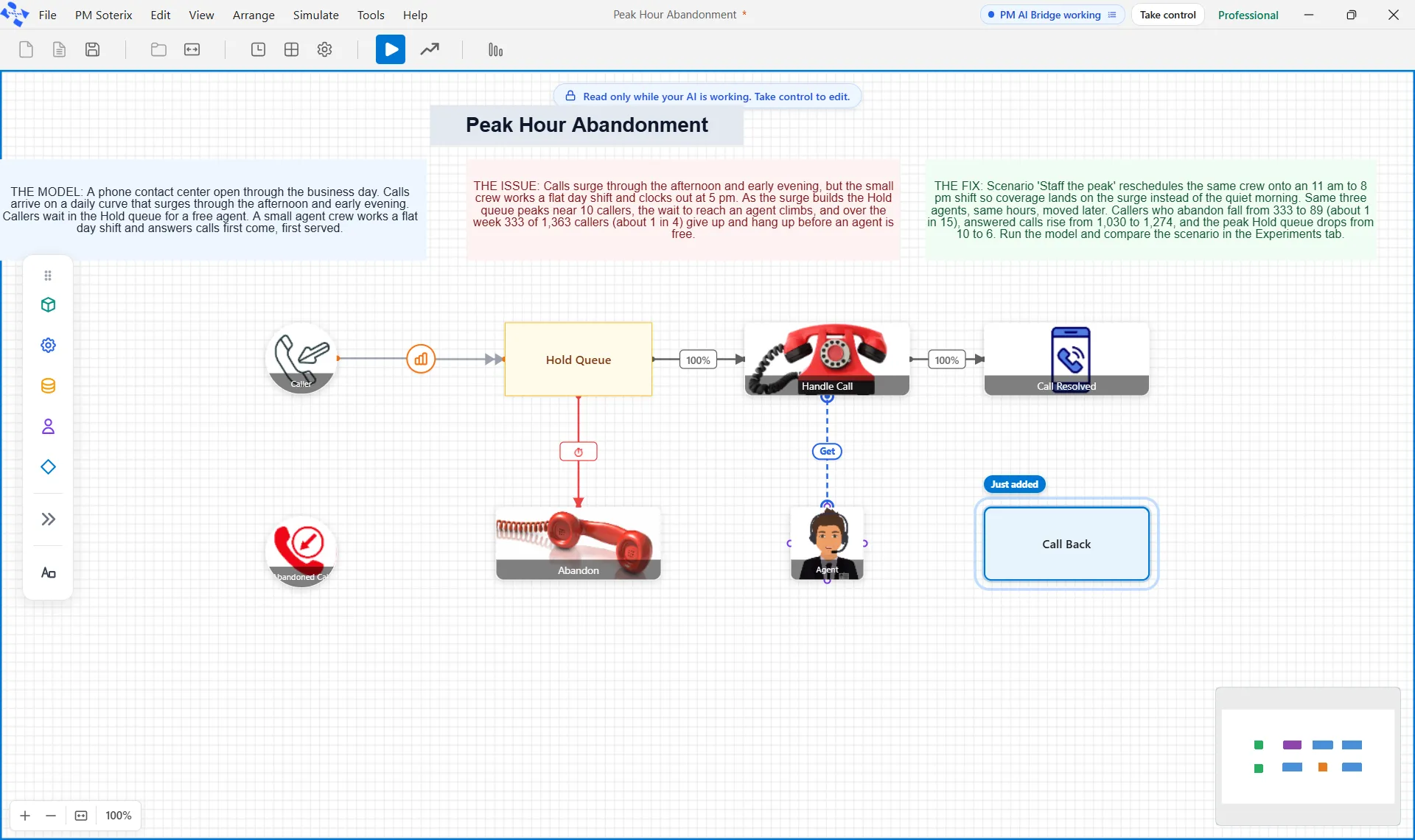 News and updates
What's new in ProcessModel 7
ProcessModel 7 is a ground-up release. Your own AI app can read, change and run your models through PM AI Bridge, an Emergency Department palette models the whole department, and 40 ready-to-run models give you a head start.
ReadSee your process clearly, then prove the fix
Build the model, run the simulation, find the constraint, and show the improvement before you change a thing.