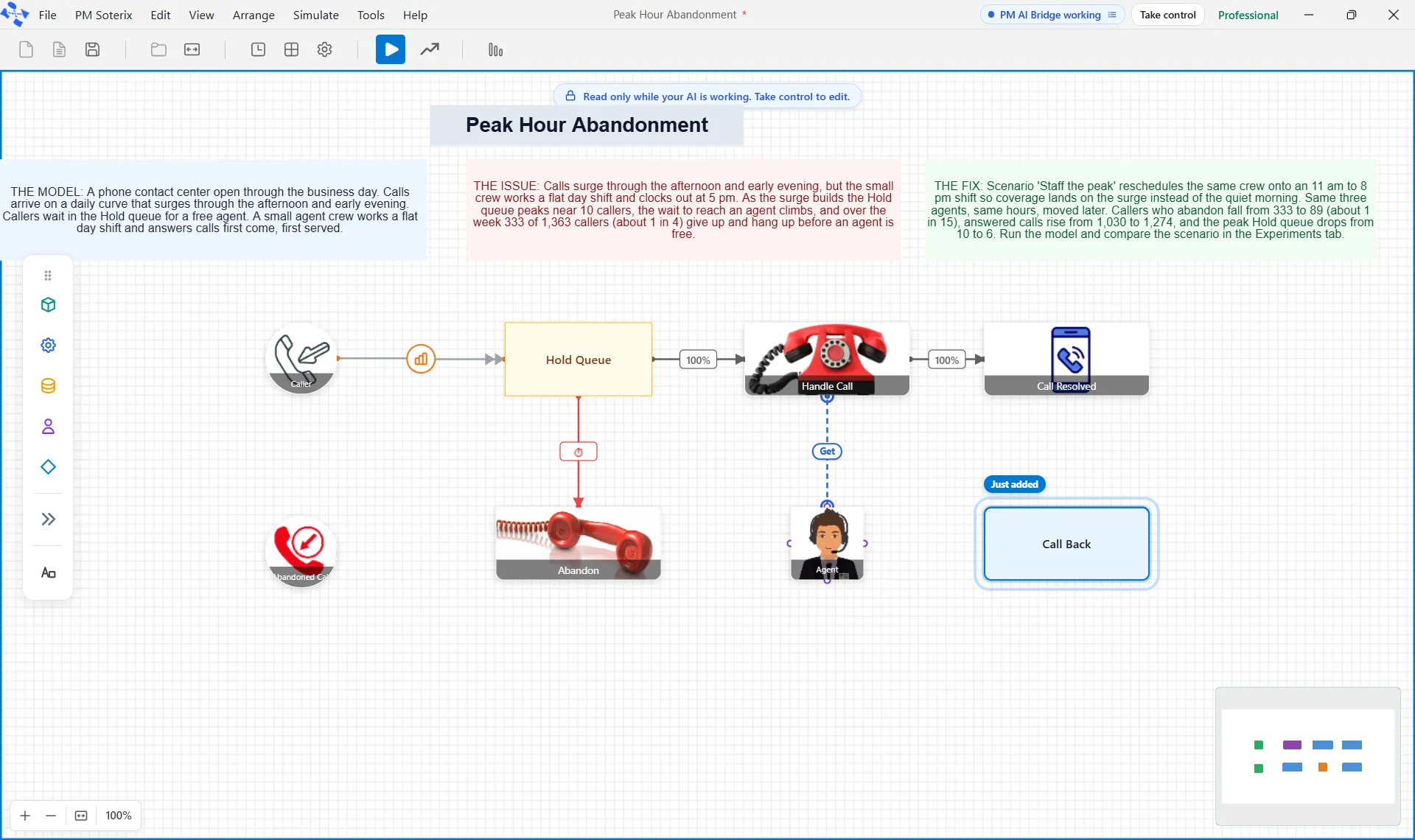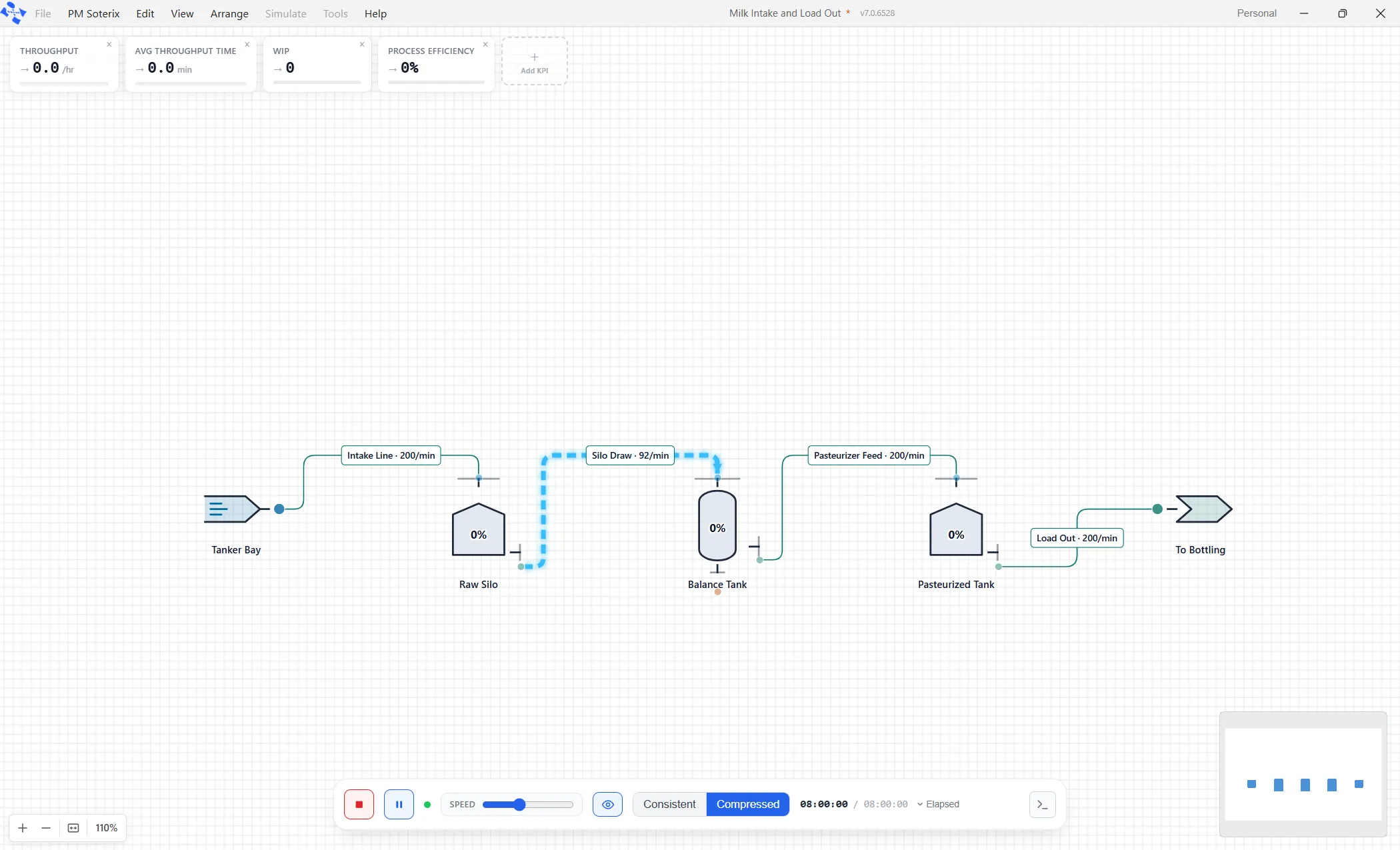

Not every improvement needs a launch event. These three are small, specific, and each one deletes a job you currently do by hand. They also share a habit worth pointing out: every one of them tells you what it does not know, rather than papering over it.
Price the run order before you commit to it
Anyone who runs a filler knows the order matters. Light before dark, one format before another, and the changeovers between them quietly eat the shift. Working out which order costs least is the kind of arithmetic people do on a whiteboard and then argue about.
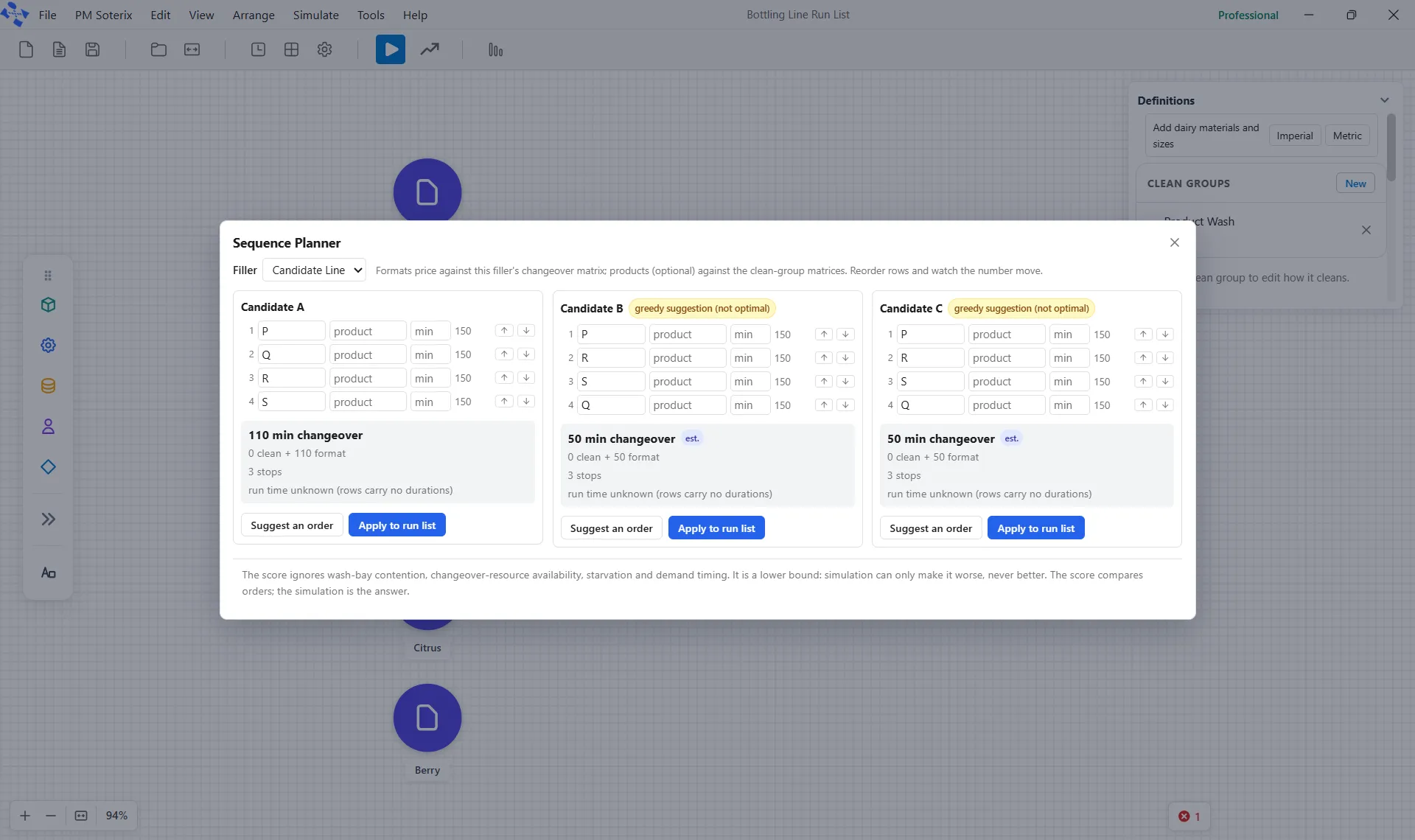
Sequence Planner does it instantly. Open it on a filler that has a run list and you get three candidate orders side by side. The first is the order you run today. The other two start as copies, ready to be shuffled.
Each candidate is priced against that filler’s own changeover matrices: the total changeover minutes, the split between cleaning and format changes, the number of stops, and what share of the running time is changeover rather than production. Reorder a row and the score moves as you watch.
It is also honest about its limits, which is the part that builds trust. Ask it to suggest an order and it will, but the suggestion carries a badge saying it is a quick pass and not the optimal answer. A time that came from a distribution is scored at its average and tagged as an estimate. And where a transition has no price in your matrices, it says so plainly, so many transitions not priceable, instead of quietly scoring them as free.
When a candidate wins, apply it to the run list and carry on.
Turn a recipe into a model
A batch process usually already exists in writing: a formula with materials and amounts, and a list of operations in order with their equipment and durations. Redrawing that by hand on a canvas is transcription, not modeling.
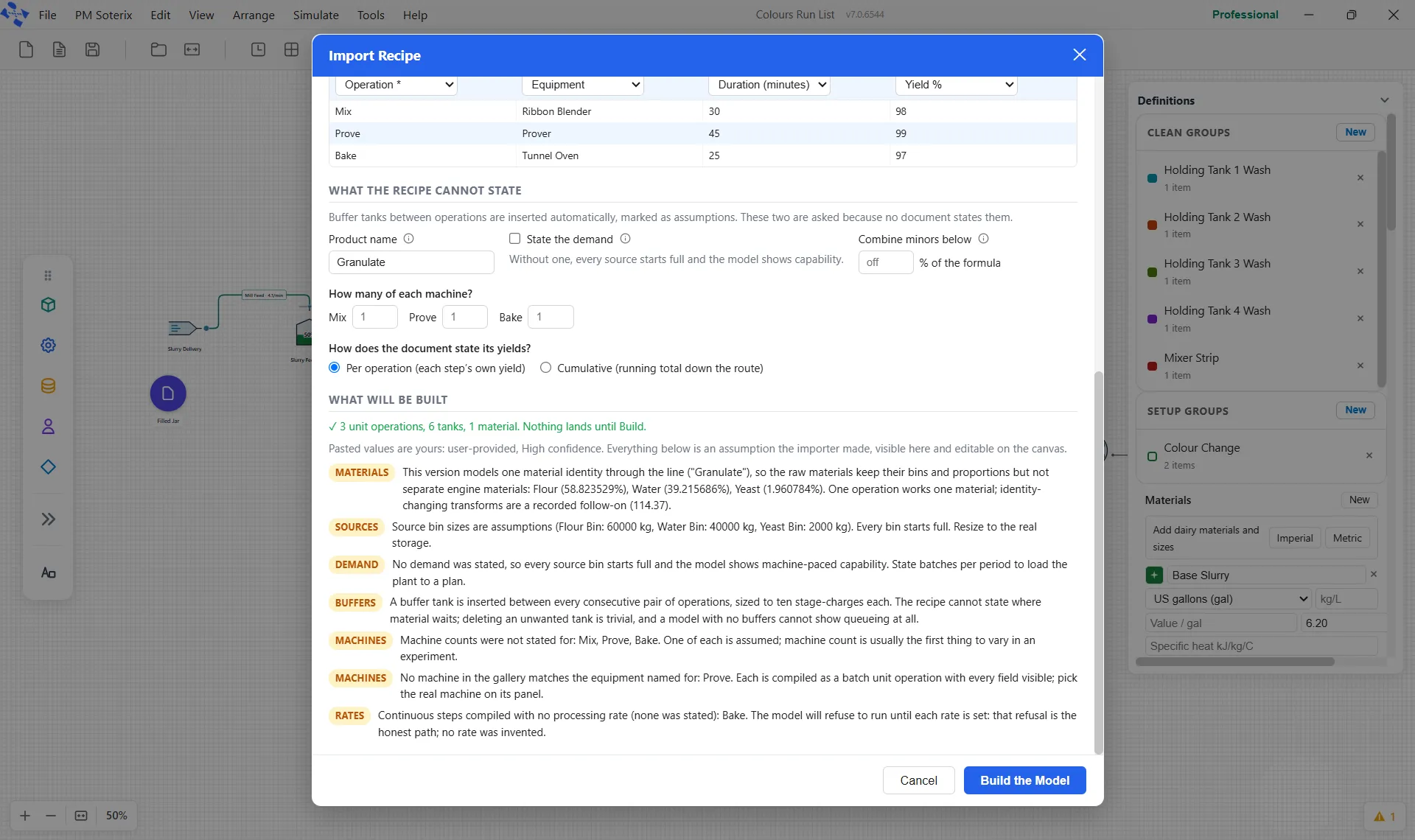
Import Recipe takes the paste. Two grids, one for the formula and one for the operations, and you map the columns yourself. Headers are read only to propose a mapping, never to decide it, so a document with unusual headings still imports cleanly.
Then it asks the questions the recipe cannot answer: what the product is called, whether there is a stated demand, how many of each machine you have, and, importantly, how the document states its yields. Per operation, or cumulative down the route? It refuses to guess, because misreading one as the other compounds at every step. Leave that question unanswered and it blocks the build and explains why.
Everything it assumed on your behalf is tagged as an assumption in the preview before a single shape is drawn, including the buffer tanks it inserts between consecutive operations, because a model with no buffers cannot show queueing at all.
Watch the model explain itself
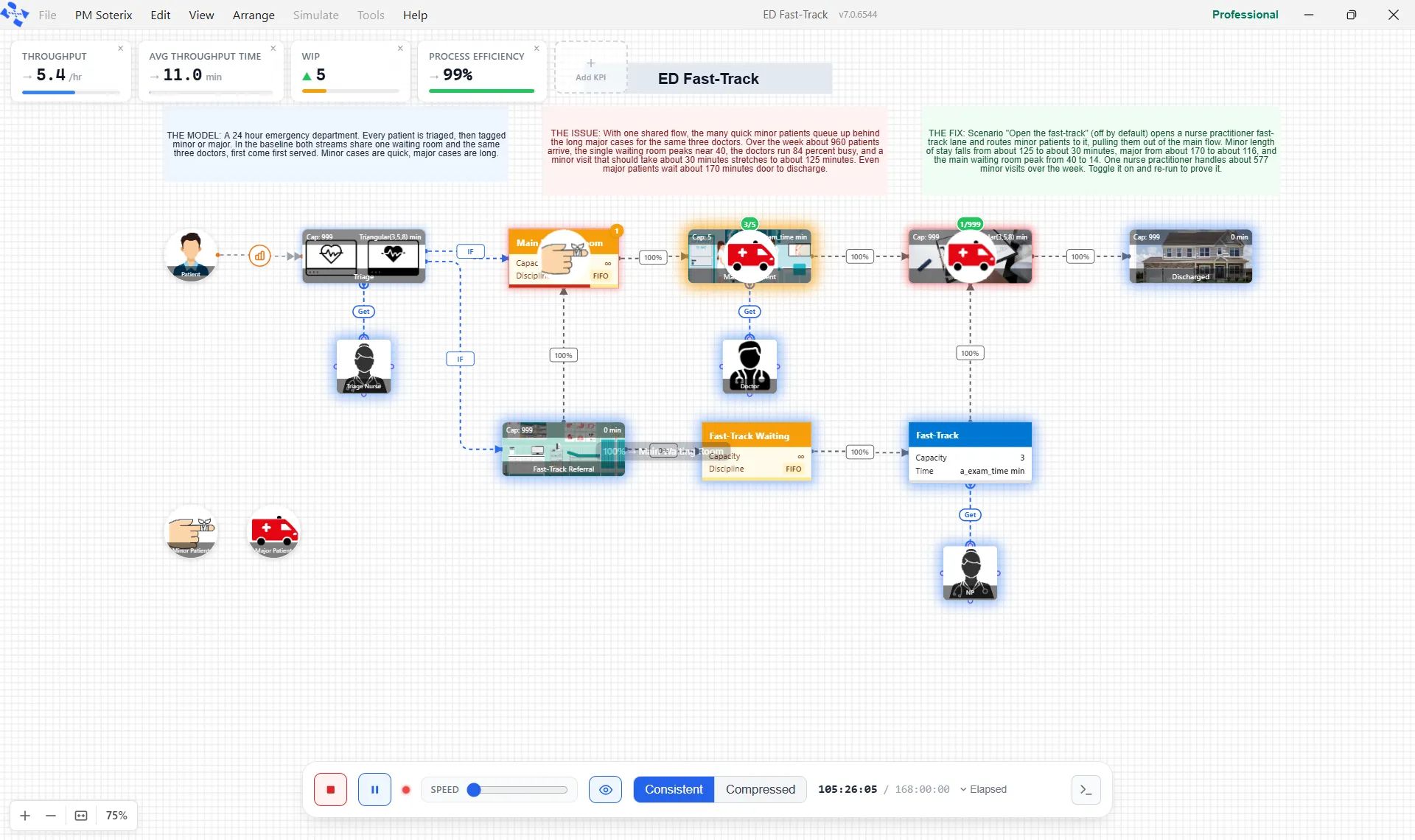
Every modeler has had the same argument with a model: why did that go there?
Decision Trace answers it while the run is happening. Each time a routing decision fires, a small chip appears on the canvas beside the node that made it, naming the reason and the route it chose. A percentage route shows the share that sent it. A conditional route shows the condition that was true. A balancing route names the rule that picked the target, whether that was the shortest queue, the least work in progress, the lowest utilization or the shortest cycle.
A plain single route produces nothing at all. Only a real fork gets annotated, so everything you see on screen is a choice the model actually made.
There is nothing to switch on, but there is one thing to know: the chips only render at an animation speed of twenty times or slower, and the speed slider starts well above that. Drag it down before you expect to see anything. And when a run has produced something worth keeping, you can save the trace and open it later to watch the whole run back without running it again.
Where to read more
Each has its own page in the help center: Sequence Planner, Import Recipe and Decision Trace. For the rest of what this generation of the product added, see what’s new in ProcessModel 7.